

A shoot day only works if the right people are free that day. Tracking who is free, and what they cost, starts long before anyone gets a call time.
Small productions often track cast and crew in a group chat and a spreadsheet, and that stops working once dates start moving. Storiara keeps each person's contact details, role, union, rate, and availability in one record, next to the characters from your script.
Characters and Cast
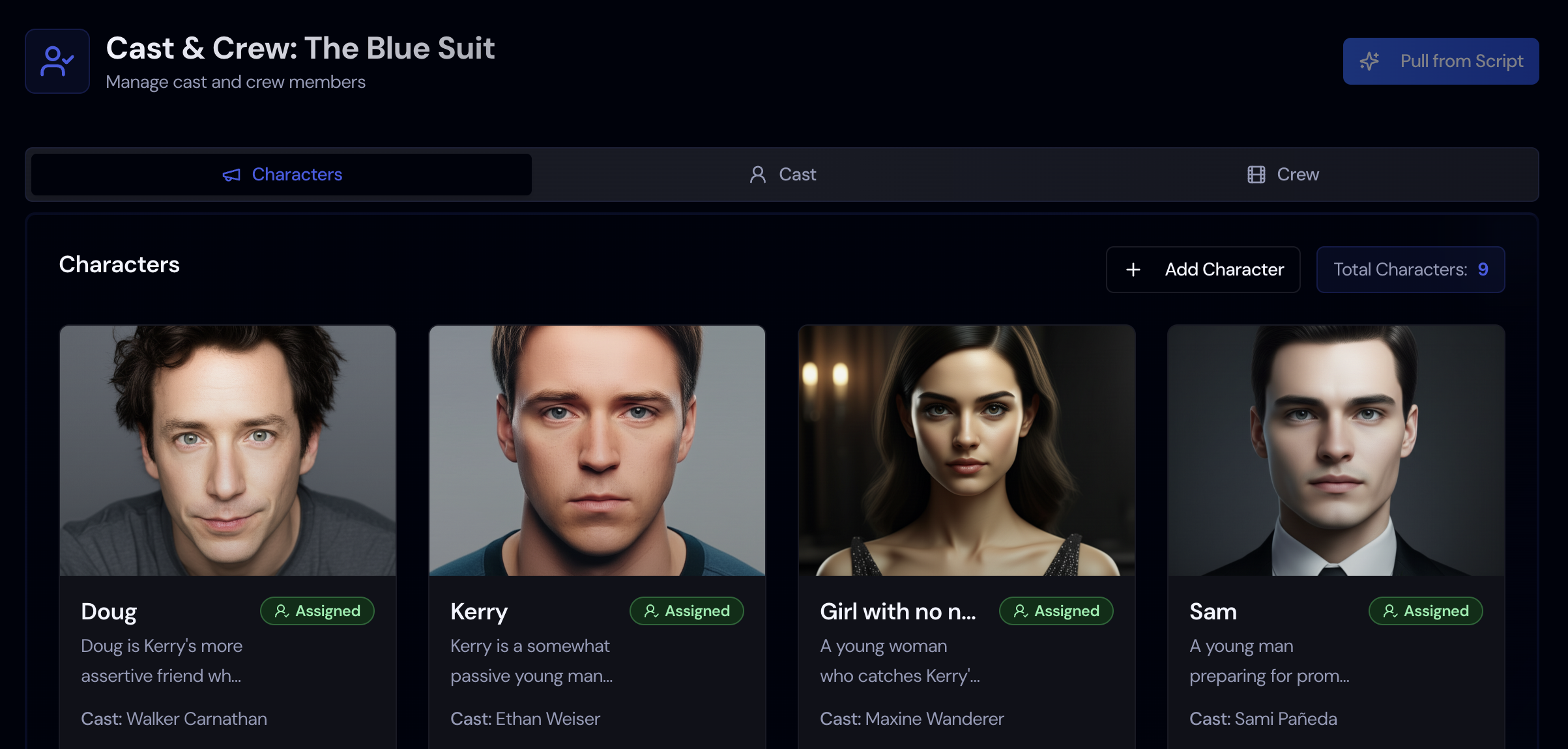
AI pulls characters and extras from the script. Rank the characters, then add the actors playing them on the Cast tab.
Union Rates
Choose a union and contract on a cast or crew record and the rate fills in. Check it against the current agreement before you make an offer.
Availability Requests
Send a request by email. People fill in a 15-minute grid on a form with no login, or import their busy times from Google Calendar.
Backstage Import
Paste a Backstage profile link to add a cast member. Crew lists can come in from a CSV or Excel file.
How Cast & Crew Works in Storiara
The page has four tabs: Characters, Extras, Cast, and Crew. The first two come from your script. The other two are the people you hire.