
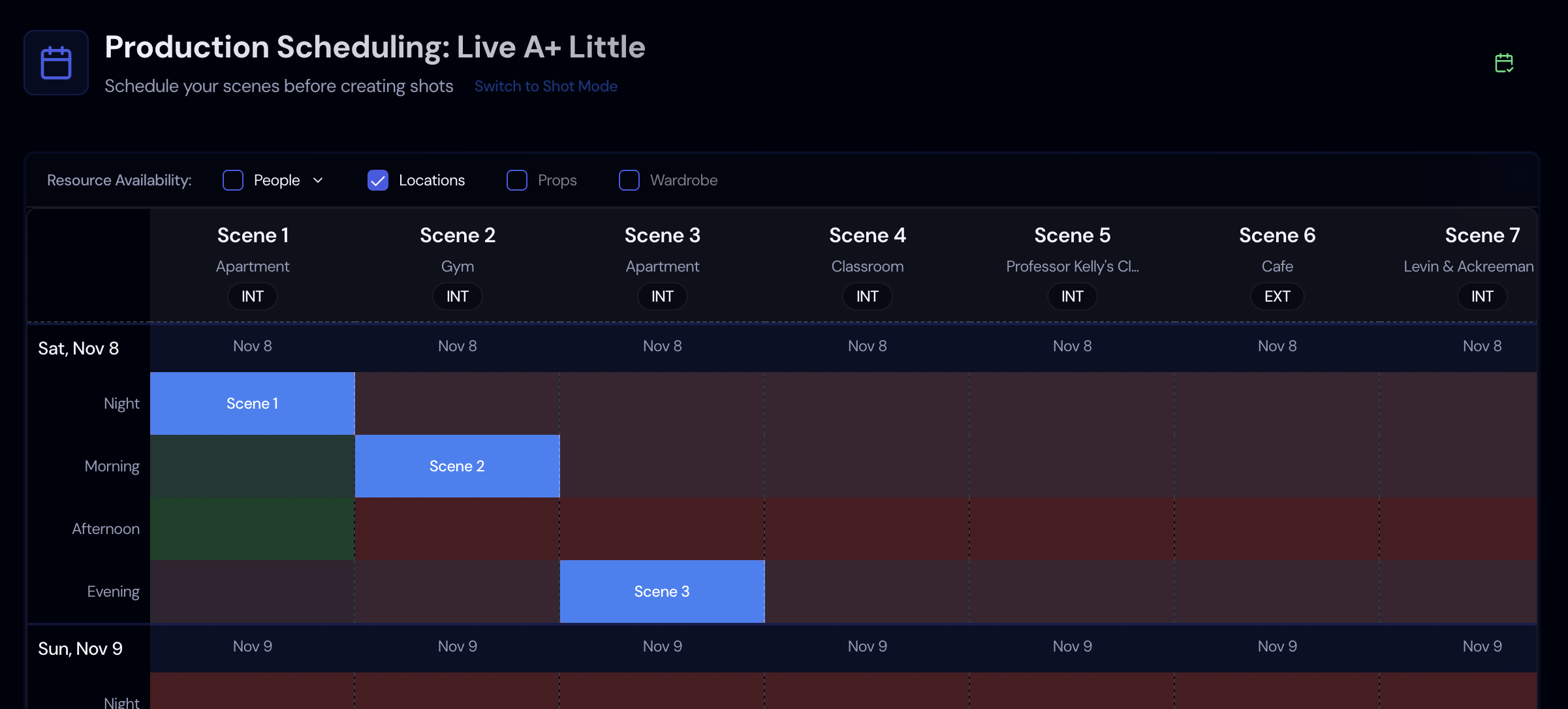

The schedule decides how many days you pay for cast, crew, gear, and locations, so almost every line in the budget depends on it.
The 1st AD has to fit scenes into days around cast availability, location access, company moves, and daylight. A day that runs long means overtime, and an extra day means paying everyone again.
Grouping Scenes
Shooting every scene at one location back to back saves company moves and relighting. On the stripboard, you drag those strips into the same day.
Cast Days
The Day Out of Days shows which days each actor starts, works, holds, or finishes. Storiara fills it in from the schedule, and you can override any code.
Day Length
Set your shoot dates and daily start and end times. A length that would push a day past its limit is refused, with the largest length that fits and a split across days offered instead.
Availability
A side panel tab shows cast, crew, location, equipment, and prop availability for the selected day in 15-minute slots.
How Scheduling Works in Storiara
Upload a PDF, Word, or Final Draft script and Storiara splits it into scenes from the headings. Each scene carries INT or EXT, day or night, and its page count in eighths. You build the schedule from there. Storiara doesn't place scenes for you or optimize the board.