
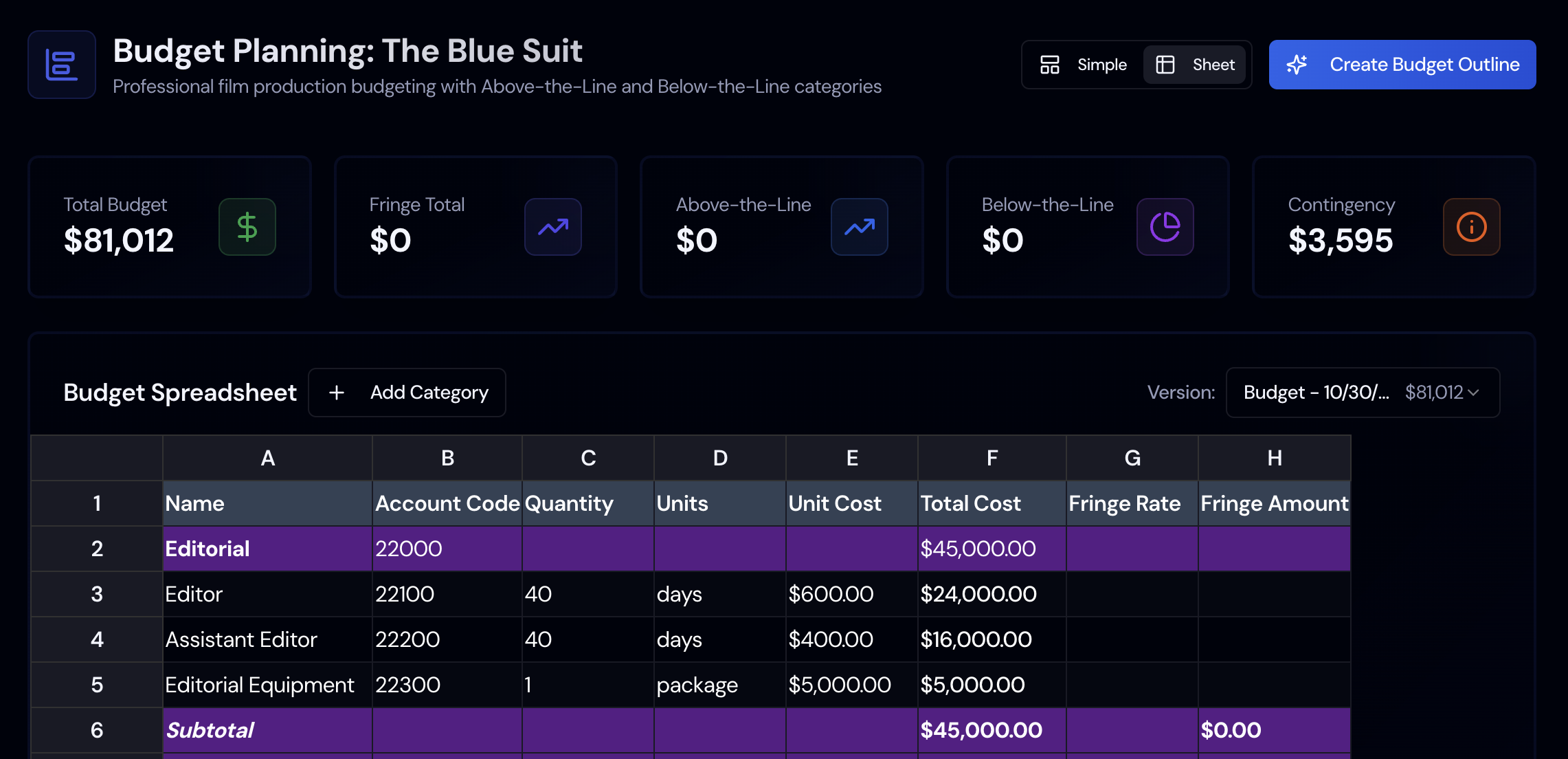

The budget sets how many shoot days, actors, and crew you can afford, so it shapes the film as much as the script does.
Every creative choice has a cost. A second camera, twenty extras in a scene, or a night exterior all turn into line items. A production budget shows you those costs before you commit to them.
Top Sheet
See above the line, below the line, post, and other costs as totals, with contingency, the grand total, and a net total after incentives.
Calculated Line Items
Line items use the rates you entered for cast, crew, equipment, props, and locations. Where a rate is missing, Storiara fills the gap from rate tables for the union tier you picked.
Contingency and Bond
Set a contingency percentage (10% by default) and add a completion bond if you need one. Both show as separate amounts on the top sheet.
Incentive Estimates
The Funding page matches your locations and shoot days against a built-in list of incentive programs. Apply an estimate and the budget shows the net total.
How Budgeting Works in Storiara
A budget spreadsheet usually means retyping the cast list and every crew rate. Storiara reads those from your project, so the budget starts from what is already in the breakdown and schedule.