Published February 20, 2026 By Nick Harty
A camera package that shows up without a battery plate can cost you the first hour of the day.
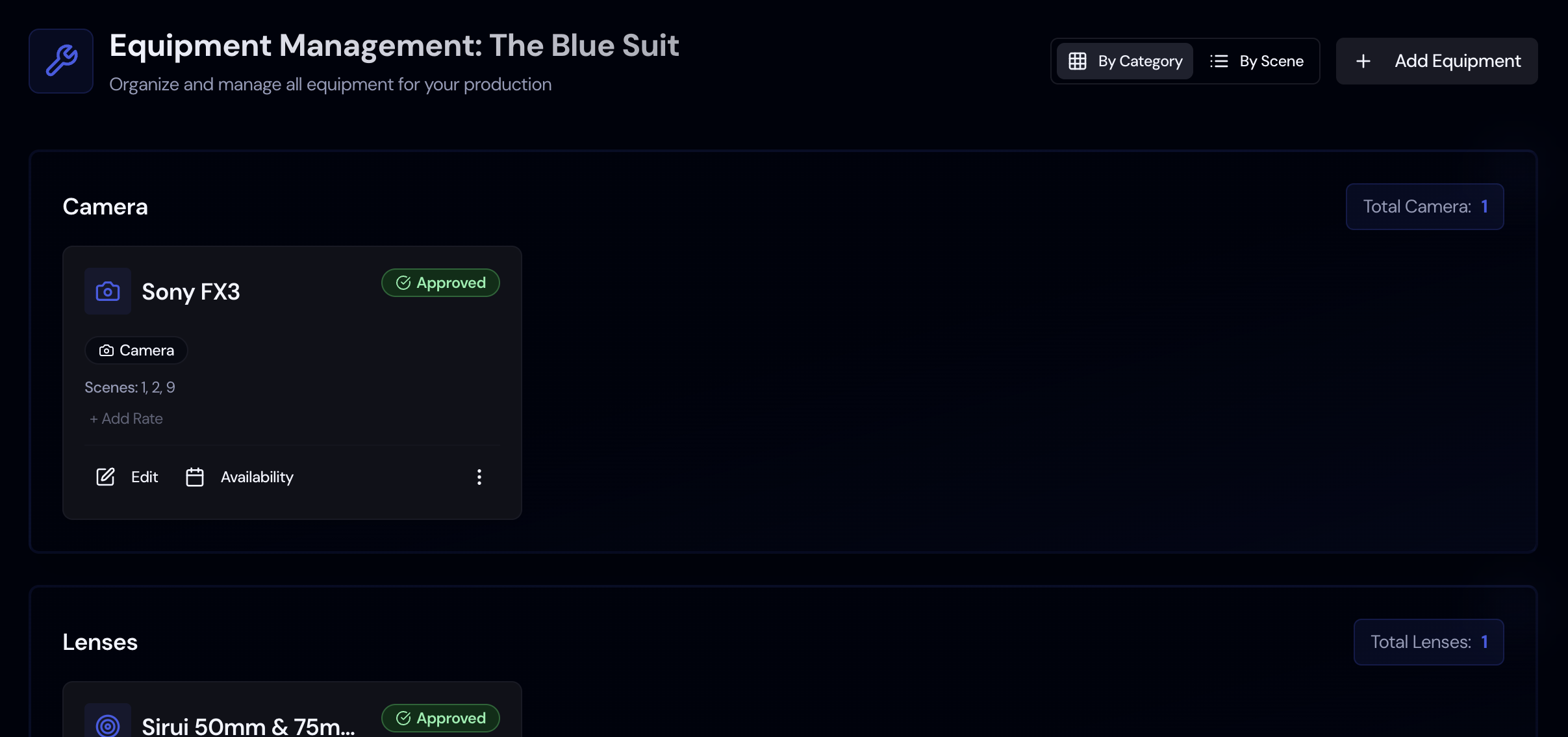
Gear lists grow fast on even a small shoot: camera bodies, lenses, lights, stands, sound kits. Storiara keeps them on one Equipment page with the cost fields your budget needs.
One Gear List
Add each piece of equipment by hand, or import a CSV or Excel list.
Costs and Rates
Enter a cost or rate for each item. The budget's equipment lines use those numbers when you sync.
Availability
Record when each item is available so you can plan shoot days around it.
Printable List
Print the equipment list for the camera, grip, and electric teams.
How Equipment Works in Storiara
Equipment isn't pulled from the script the way props and wardrobe are. You build the list yourself, and Storiara connects it to the budget.
1
Add Your Gear
Type items in or import a spreadsheet. On import, AI helps map the spreadsheet columns.
2
Enter Rates
Add the cost or rate for each item so the budget works from your numbers instead of estimates.
3
Sync the Budget
On the budget page, Sync pulls your equipment rates into the budget's equipment lines.
A Simple Gear List
Storiara doesn't track rental pickups, returns, or whether gear is owned or rented. It gives you one list with costs and availability that the budget can use.
CSV and Excel import
Costs feed the budget
Printable gear list