
A missing prop or the wrong jacket between two takes ends up on screen, so the list has to be right before the shoot.
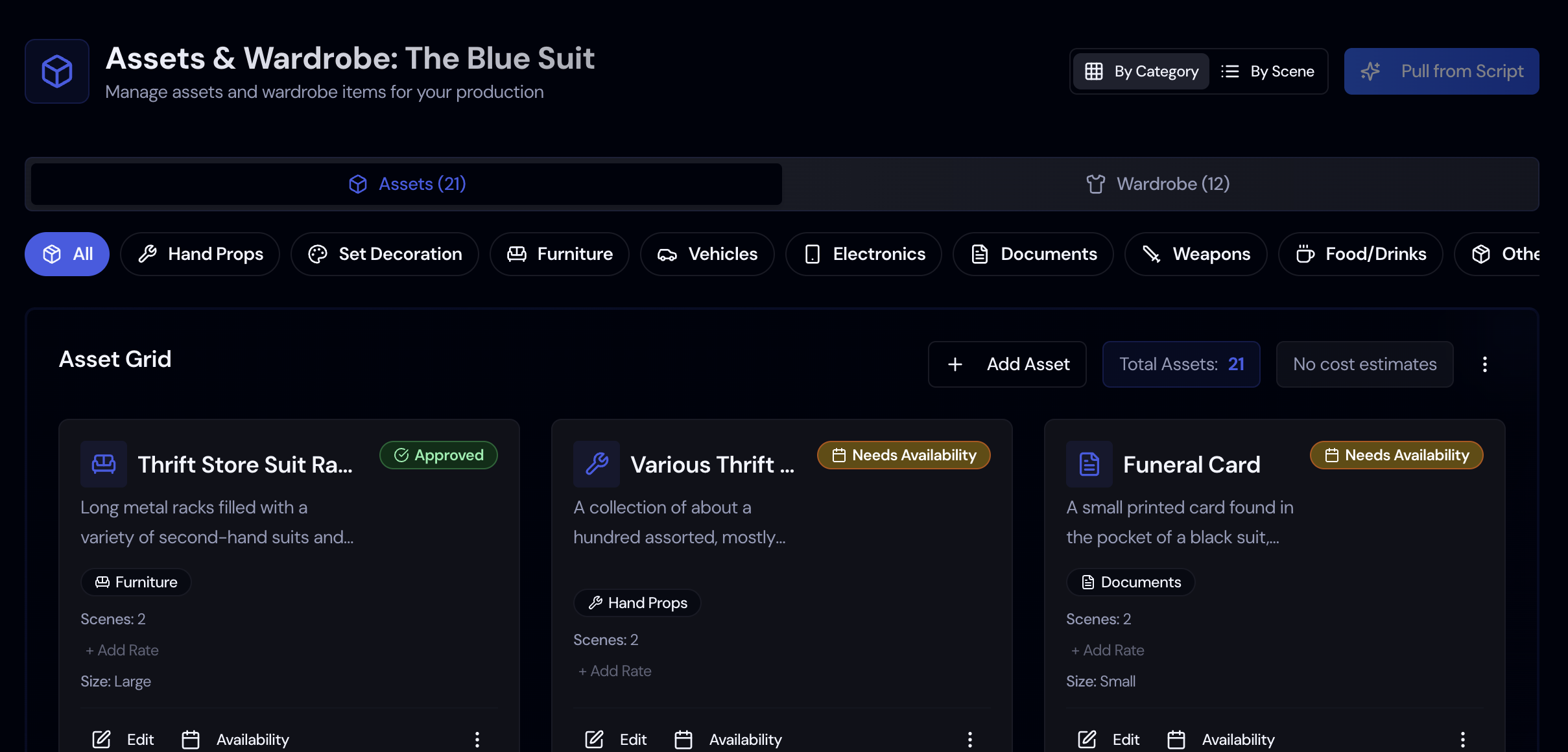
A props and wardrobe list starts with a careful read of the script for every object and costume a scene needs. Storiara does that first read with AI and puts each item on the Assets page, where the department can add photos, costs, and notes.
Four Categories
Items sort into Props, Wardrobe, Vehicles & Animals, and Makeup & Hair. Each one can have photos, costs, and availability.
Resync From Script
After a script revision, upload and activate the new version to pull in new items. Find in script shows where each item appears.
Reference Photos
Upload photos to each item so the whole department can see what was chosen.
Shopping Links
For props you still need to buy, Buy matching items on Amazon searches for similar products.
How Assets Work in Storiara
Props and wardrobe live on the Assets page. It fills in while the script is processed, and you edit from there.