
Corporate video is the rare kind of production where the client, the location owner, and most of the cast work for the same company. That sounds simpler than it is. The marketing team hired you, but facilities controls the building, security controls access, legal controls what can be said on camera, and the CEO's assistant controls the most important 20 minutes of the day. Prep is mostly coordination across those people.
Build the schedule from the fixed windows
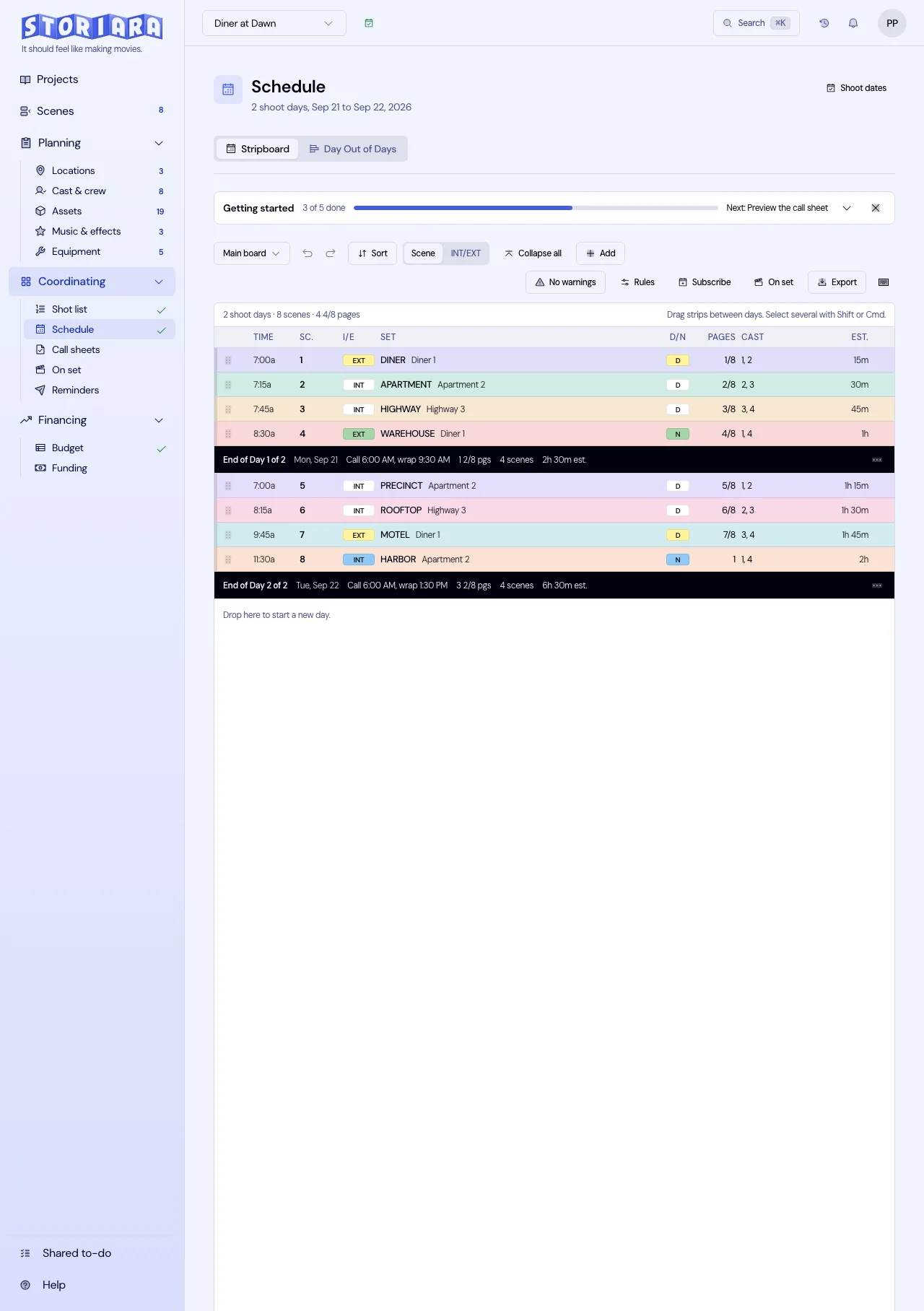
Collect every hard window before you write a schedule: executive interview times, when rooms are free, when the lobby is quiet enough for b-roll, and when facilities can open the loading dock. Then build backward from them. A one-day shoot at a company headquarters might look like this:
| Time | Location | Setup | Notes |
|---|---|---|---|
| 7:30 | Loading dock | Crew load-in | Security check-in, badges prepared |
| 8:00 | Board room | Light interview setup A | Stand-in in the chair |
| 9:30 | Board room | CEO interview | 20-minute window, two cameras |
| 10:00 | Board room | VP of Operations interview | Same setup, re-light for height |
| 11:00 | Open office | B-roll, team at desks | Only staff with signed releases in focus |
| 12:30 | Cafe | Lunch | Client-provided or crew catering |
| 1:30 | Lab | Product demo | Engineer on camera, 45 minutes |
| 3:00 | Lobby | Exterior and lobby b-roll | After the 2:30 visitor rush |
| 4:30 | Loading dock | Wrap and load out | Out by 5:00 per facilities |
Light the interview setup with a stand-in so the executive sits down into a finished shot. If their 9:30 moves to 11:00, swap the interview with a b-roll block that doesn't need the board room, and keep the lights standing. Use the guide to setting call times to back-time crew calls from the first shot.
Working inside a business
Offices are working locations, and the facilities team is your location manager whether they know it or not. Before the shoot, confirm:
- A certificate of insurance naming the company as additional insured. Many corporate facilities won't let gear in without one.
- Power: which circuits you can use and whether facilities needs to be present for anything beyond wall outlets.
- Security: crew names for badges, parking, and whether gear carts can use the elevators.
- Confidentiality: screens, whiteboards, and documents that can't appear in frame. Ask IT or legal for a walkthrough of what to avoid in open offices and labs.
- Noise: HVAC you can't turn off, and meetings next door that will bleed into the audio.
A tech scout with the facilities contact, a week or so ahead, catches most of these. Some companies also have NDAs for outside crews; get them signed before the scout.
Releases and approvals
Every identifiable employee on camera needs a signed release. Many companies have their own consent form through HR or legal, so ask which to use; otherwise start from a talent release form and have the client's counsel approve it. For outside locations (a customer's store, a partner's warehouse), get a location release signed by someone with authority.
Script approvals often take longer than production. Legal may need to review claims about products, and brand teams may have rules on logos, colors, and lower-thirds. Get approvals on the script before the shoot so you aren't rewriting an executive's lines on set.
Where the money goes
Corporate budgets tend to be modest crews with good gear: a director or producer, a DP, a gaffer or grip, a sound mixer, a hair and makeup artist for executives, and sometimes a teleprompter operator. The bigger variables are the number of shoot days, travel to multiple offices, animation and graphics in post, and revision rounds after the client's first review. Write the number of included revision rounds into your agreement.
Mistakes on corporate shoots
- Assuming the marketing contact has cleared the shoot with facilities.
- No hair and makeup for executives, then fighting shine in color.
- Forgetting a teleprompter for a scripted executive address.
- Collecting employee releases after the shoot.
How Storiara fits corporate work
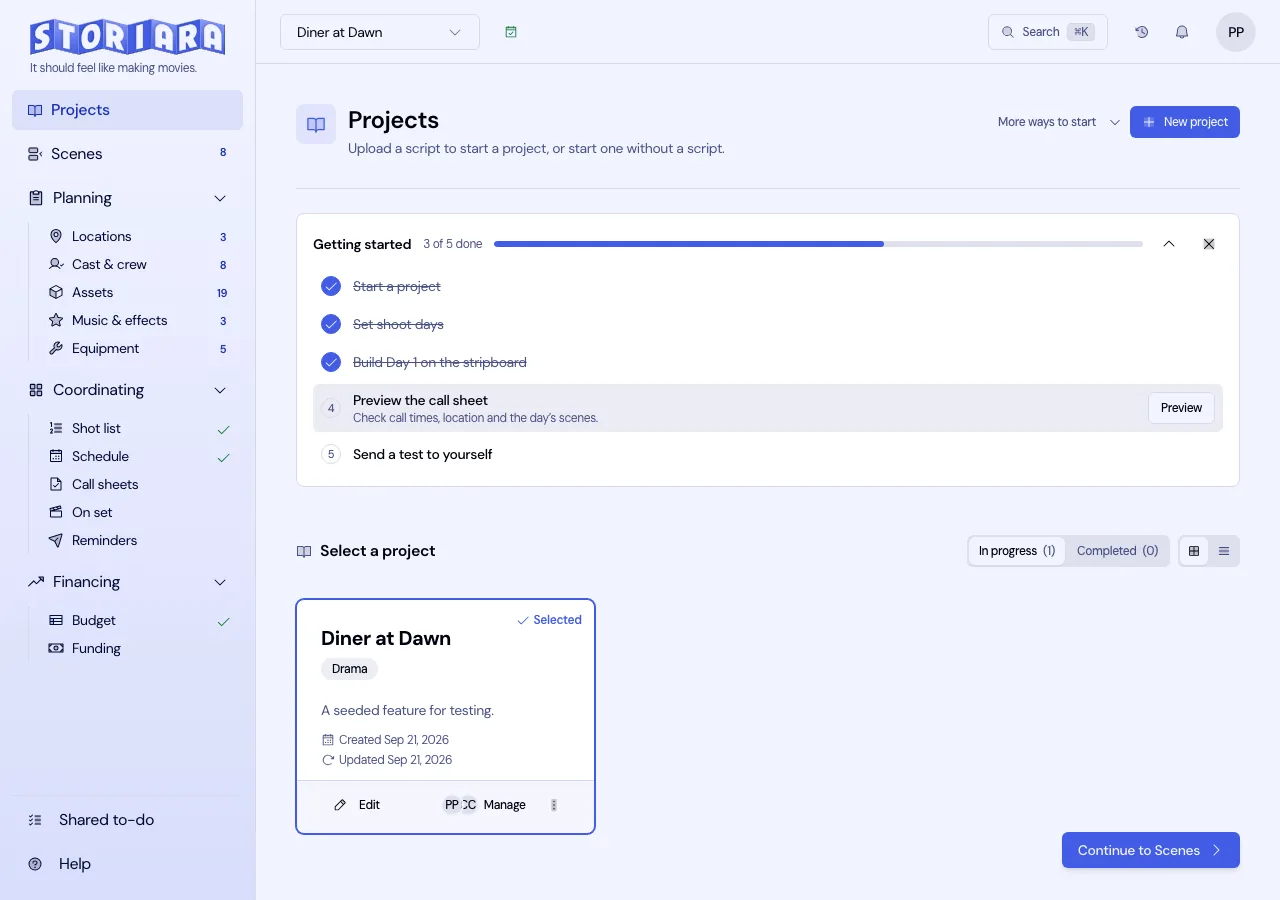
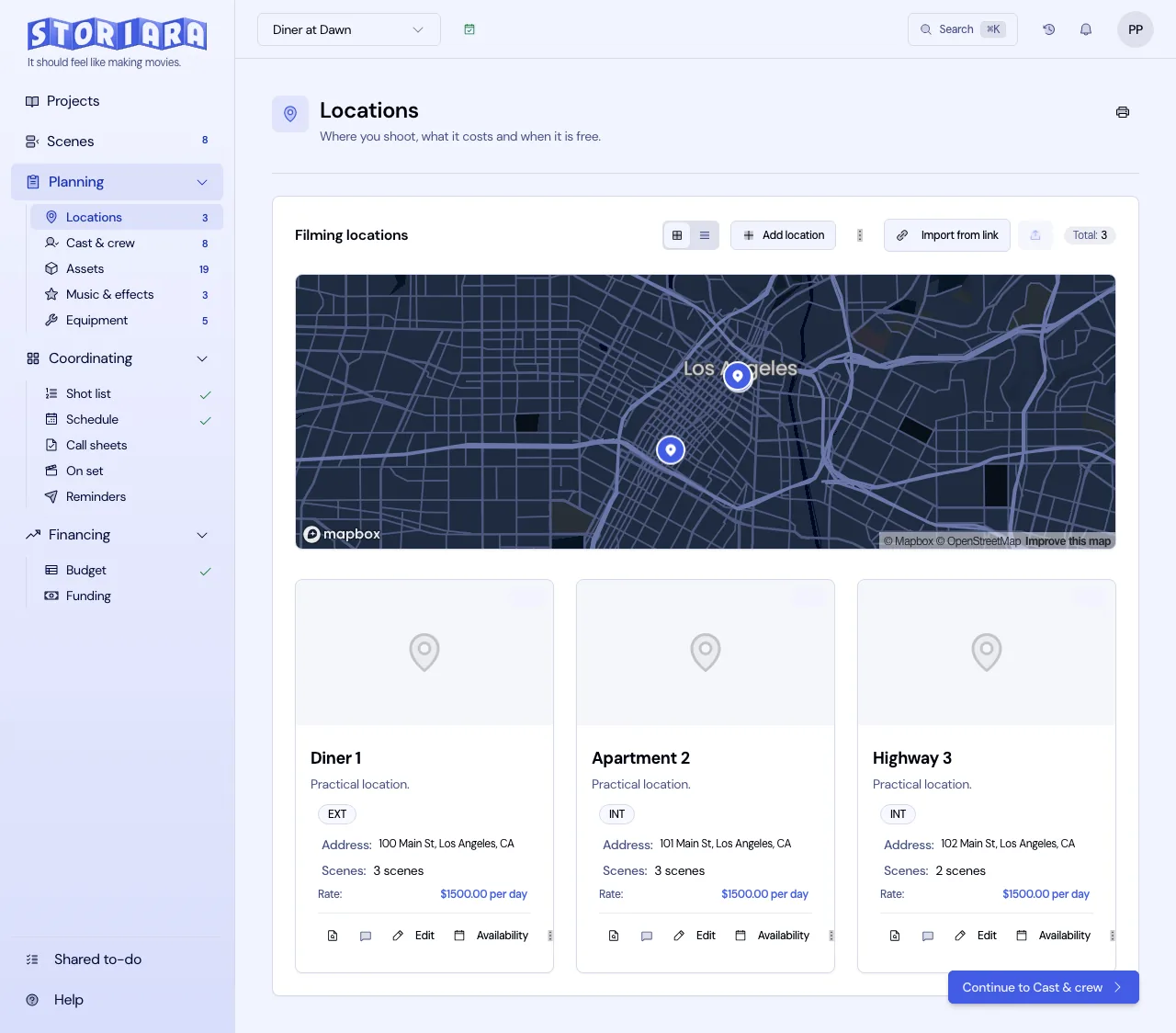
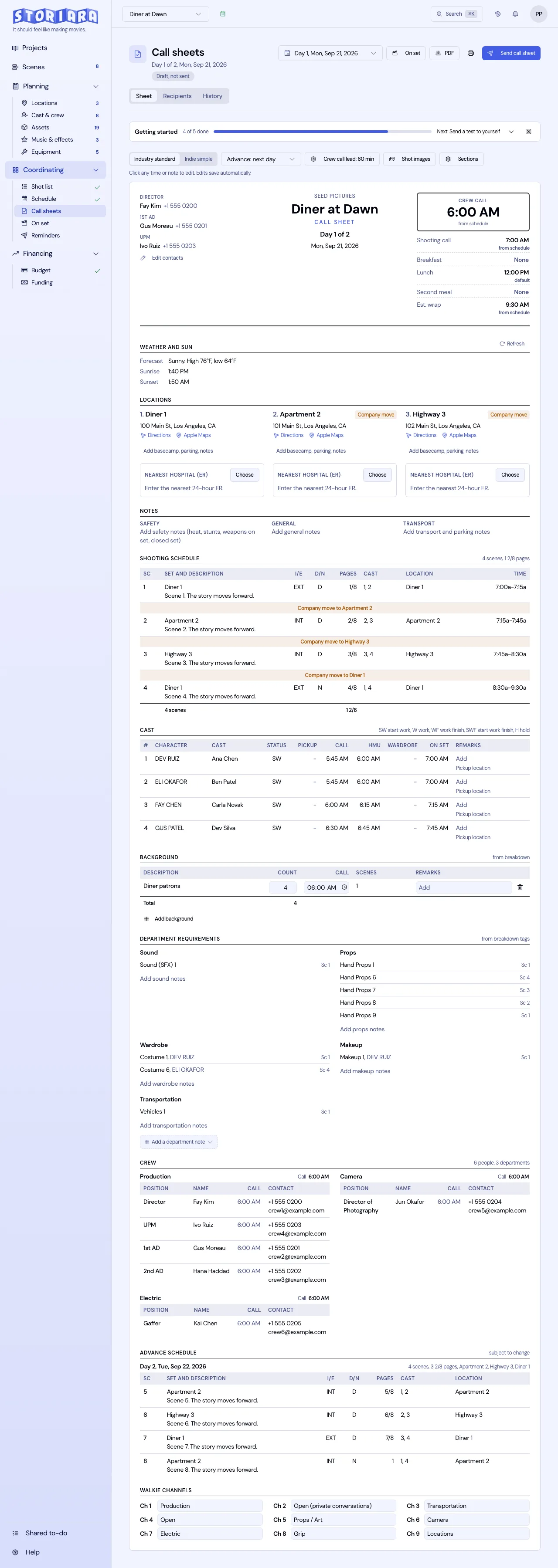
Storiara imports the client's script from Word, PDF, or Final Draft, keeps office locations with photos and parking maps, and sends a no-login availability form that can read Google Calendar busy times. You board the day by hand, with shots timed in minutes, and share the call sheet by link or email. There's more on the call sheet template page.