
A vertical drama script looks like a feature that's been cut into pieces. Every episode runs a minute or two, ends on a hook, and moves the story forward in one or two scenes. When the season is shot, those pieces get pulled apart again and sorted by location. The skills are the ones a 1st AD uses on a feature, applied at a much faster page rate.
The page math for a vertical season
Here's a worked example. A season of 70 episodes, averaging about 1 1/2 pages each, gives you roughly 105 pages. If the budget covers 9 shoot days:
- 105 pages / 9 days = 11.7 pages a day
- On a 12-hour day that's about a page an hour, so with lunch six hours in you need close to 6 pages shot before anyone eats.
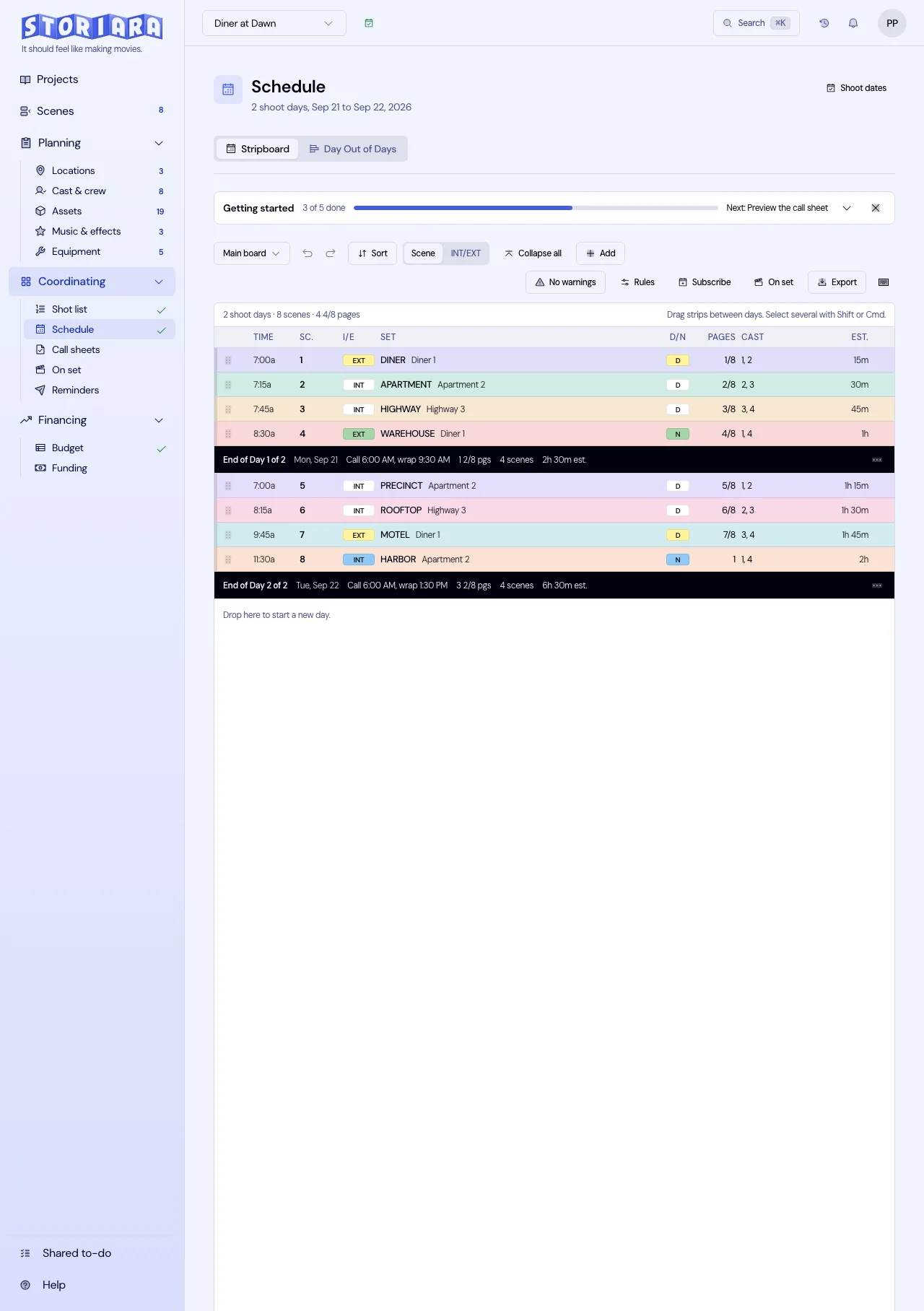
That's only possible if scenes are simple and locations stay put. Group the script so every scene at the mansion shoots in one block, every office scene in another, and keep company moves to one a day at most. Use the page count calculator to check the eighths, because a lot of vertical scenes are 3/8 or 4/8 of a page and small rounding errors across a hundred scenes add up to hours. The vertical series production schedule shows a full board.
Put the emotionally heavy scenes (the confrontation, the reveal, the crying scene that ends episode 40) earlier in a location block, while actors are fresh, and save the quick walk-and-talks for the end of the day.
Continuity is the hardest department
At 70 episodes shot out of order, continuity is where vertical dramas look amateur or professional. Before the board is locked:
- Assign a story day to every scene in the season.
- Build a wardrobe breakdown organized by character and story day.
- Photograph every look on the first day it's worn and keep the photos where wardrobe, hair, and makeup can see them on set.
- Keep a continuity log for props that change state, like a phone with a cracked screen or a ring that comes off.
Vertical plots often jump weeks or months between episodes, so story days also tell hair and makeup when an injury heals or a character changes their look.
Framing and the camera package
Decide how you're shooting 9:16 before the camera department builds its package. Some productions shoot native vertical with the camera rotated on its side; others shoot a wider frame and crop. Either way, the director and DP need a frame guide that shows the platform's safe zones, since captions, the like and share buttons, and the progress bar cover the bottom and sides of the frame. Faces and props in those zones get hidden. Two-shots are tighter in 9:16, so blocking changes too. The vertical drama planning guide covers rigging and monitoring.
Where the money goes
Vertical budgets are dominated by shoot days: crew, cast, and locations. With a nine- or ten-day shoot, each extra day adds roughly a tenth to the production cost, which is why producers cut scenes before they add days. Locations that read as expensive on screen (the penthouse, the hospital, the luxury car) are usually the biggest line after labor, so find places that can play several sets. The short-form series budget breaks out the lines.
Call sheets for a fast shoot
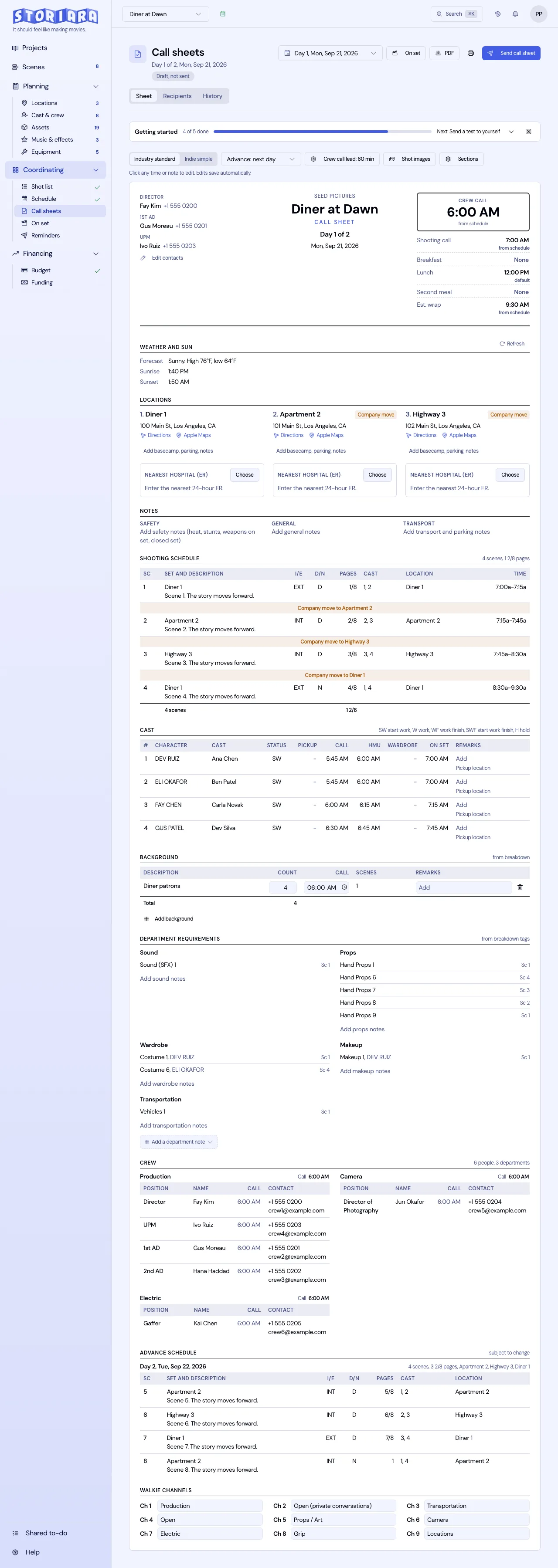
With a dozen pages a day, the scene order on the call sheet matters more than usual. List each scene with its episode number, story day, and cast, and mark which scenes can drop to tomorrow if the day runs long. Expect to re-send the call sheet after wrap when the board changes, and keep it readable on a phone. Vertical video call sheets has a sample layout.
Common mistakes on vertical shoots
- Boarding by episode. It feels organized and it wastes days.
- Treating 3/8-page scenes as free. Every scene still needs a setup, and many need two.
- No continuity person. The cost of one crew member is small next to a season with visible wardrobe jumps.
- Framing for horizontal on the monitor and hoping the crop works.
How Storiara works for a vertical season
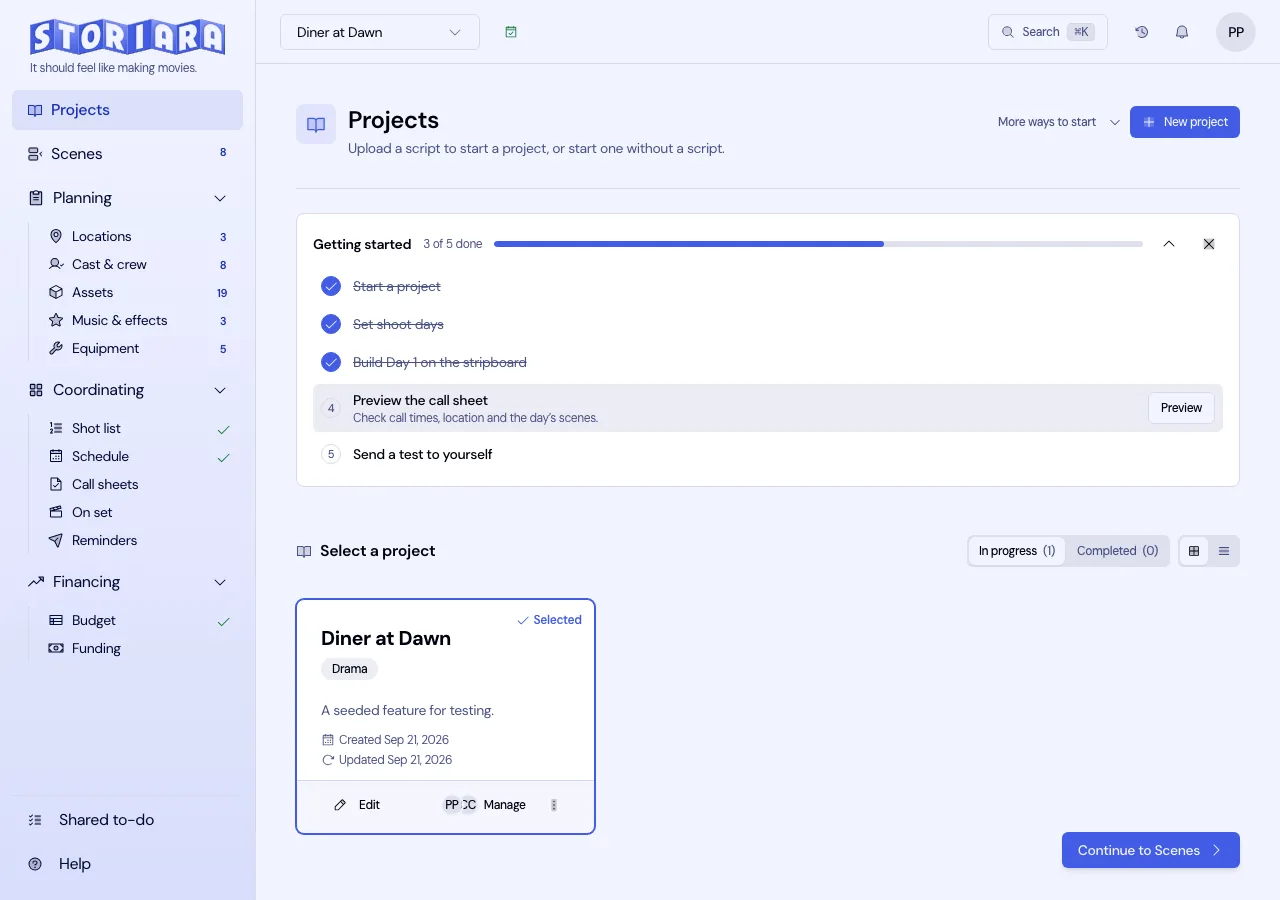
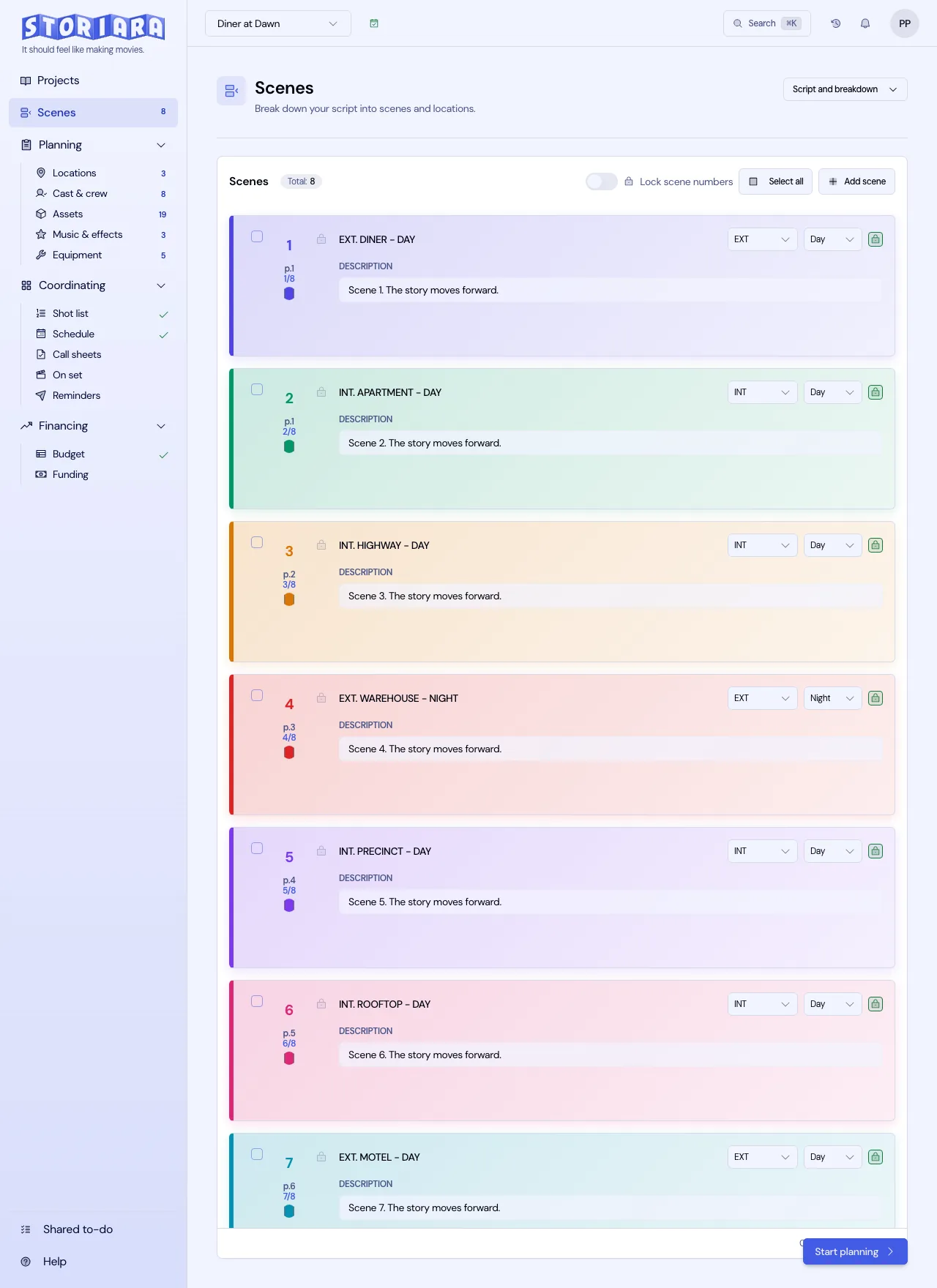
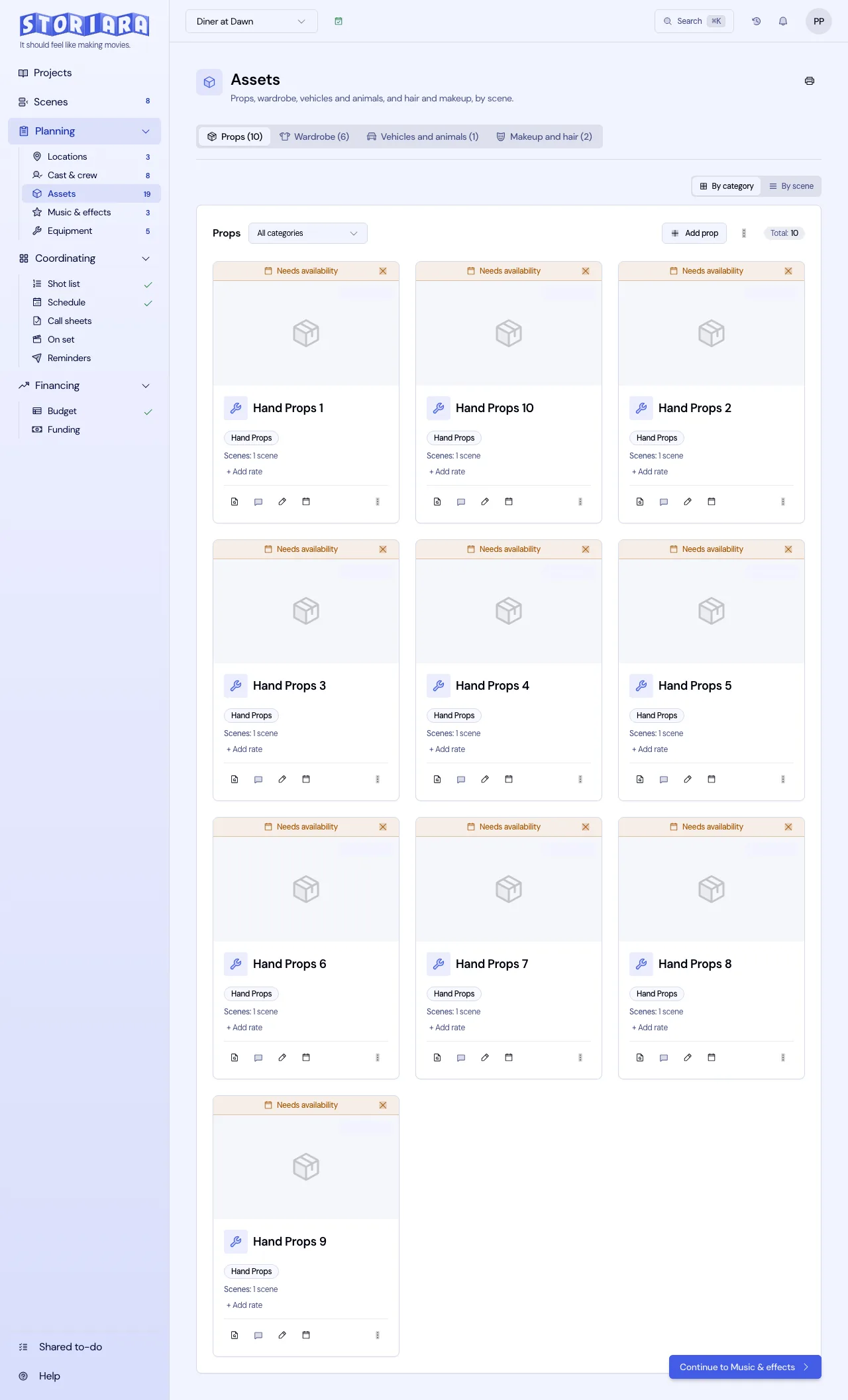
Upload the whole season as one PDF, Word, Final Draft, Fountain, Highland, Celtx, or WriterDuet file. Storiara splits it into scenes with page eighths and pulls characters, locations, props, and wardrobe, which you can review in the Script & Breakdown View. You arrange scenes on a manual stripboard by location, keep wardrobe and props with photos in Assets, and send call sheets by email or link. The mobile view shows Scenes, Schedule, Assets, and Callsheets. More on the format is on the verticals page and in the short-form and vertical reading path.