
The casting director page covers sessions, callbacks, and the union agreement. This page is about the part of prep where casting and scheduling depend on each other: how many days each role works, when the actor is free, and what happens when either one changes after an offer is out.
Estimating work days before the schedule exists
The casting breakdown goes to agents early, often before the AD has a board. It still needs a number of work days, because that number shapes every offer. A reasonable estimate comes from the script: count each character's scenes and group them by location and story day.
| Character | Scenes | Pages | Locations | Estimated work days |
|---|---|---|---|---|
| MAYA (lead) | 61 | 78 3/8 | 14 | Most of the shoot |
| DET. ALVAREZ | 5 (14, 15, 38, 71, 72) | 6 2/8 | Precinct, diner, parking garage | 3 |
| NURSE HOLLOWAY | 2 (22, 23) | 1 4/8 | Hospital | 1 |
| BUS DRIVER | 1 (8) | 1/8 | Bus | 1 |
Alvarez is the role worth a closer look. Scenes 14 and 15 are at the precinct, 38 at the diner, and 71 and 72 in the garage. Three locations usually means three separate work days. If the AD later boards them on days 3, 9, and 16, the actor is either held from day 3 to day 16 (14 days) or dropped and picked up between them, if the agreement allows a drop and pickup for those gaps. Those are very different offers. Flag roles like this to the AD in week one and ask whether the diner scene can sit next to one of the others.
Availability in one format
The fastest way to lose a week in prep is to gather availability piecemeal. Agents send dates in an email, actors send screenshots, and some commitments (a commercial callback, a play's closing weekend, a series' shoot days) only come out when you ask directly. Ask everyone the same question in the same form: the shoot date range, with the specific days you expect them to work if the board exists.
Conflicts caught at this stage are cheap. If the actor you want for Alvarez has a booked job on days 10 and 11, and the board has his diner scene on day 9, that's a phone call to the AD now. Found after the offer, the same conflict means a revised deal, a revised board, or a new actor. Offers with pay or play terms make it more expensive still.
What the production office needs from casting
Once a deal closes, the actor stops being casting's problem and becomes the office's, and the handoff is where information gets lost. The coordinator and 2nd AD need a short list for every booked actor:
- Character name and cast number as it appears on the board.
- Agreed work days, hold days, and any drop and pickup.
- Rate, union status, and whether the hire needs a Taft-Hartley report.
- Agent or manager contact, and the actor's own contact for call times if the agent approves.
- Anything that affects scheduling: a minor's permit, a religious observance, a travel day from another city.
Casting usually puts the deal terms into a cast deal memo, and production turns that into contracts and start paperwork. When a minor is cast, the scheduling rules change the shape of whole days; working with minors on set covers what the AD will need.
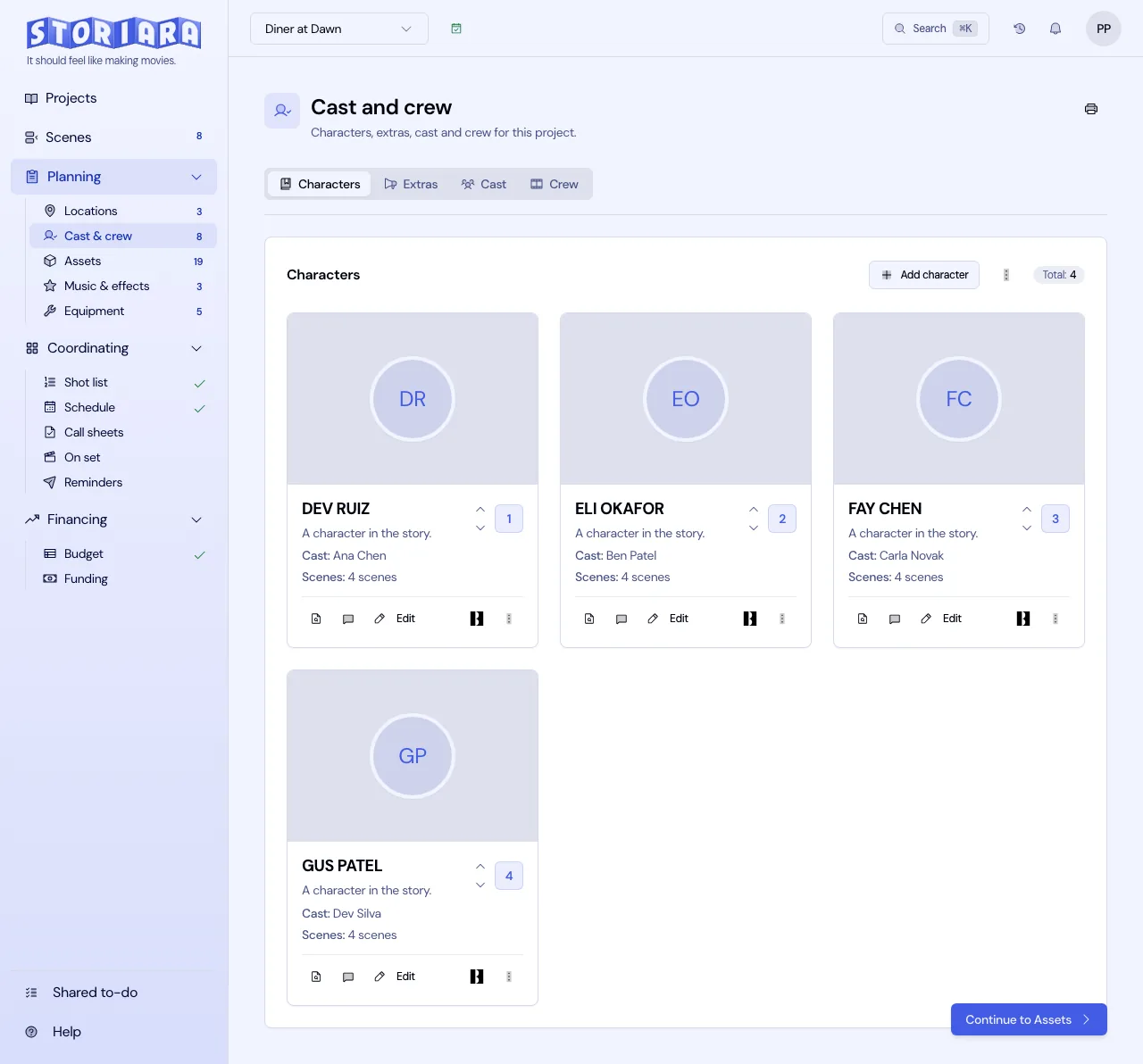
Cast numbers are part of the same handoff. The 1 on the board is usually the lead, and the rest follow in order of importance or scene count. Changing them after the board and day out of days are printed means every strip and every call sheet has to be reissued, so settle the order early and keep it.
When the schedule moves
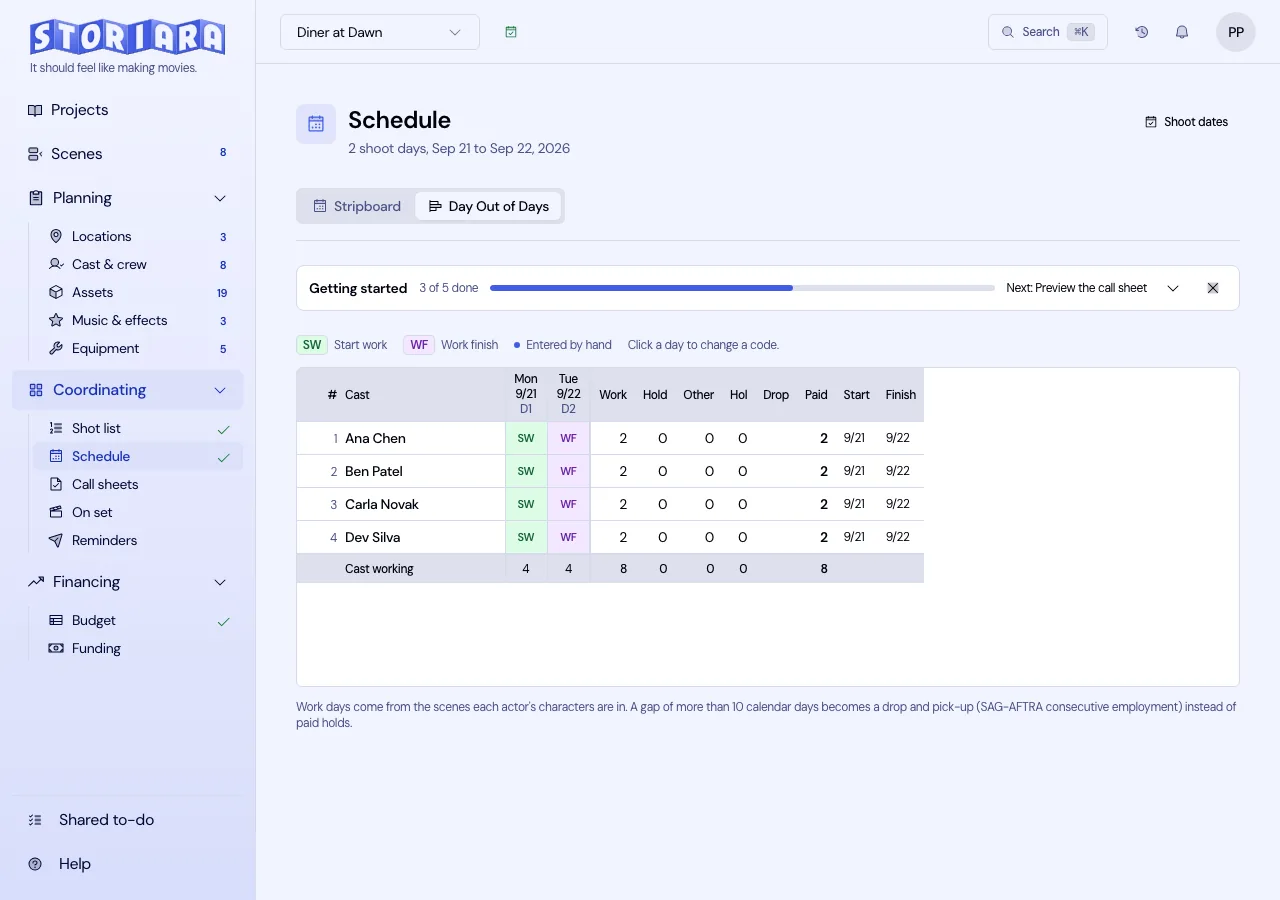
Schedules change through prep. Each time the AD reissues the one-line, compare it against the booked actors' days in the day out of days. A day player whose one scene moved within the same week probably just needs a new date. A guest role whose scenes spread from four consecutive days to four days across three weeks needs a conversation with the producers about hold days before anyone tells the agent.
In Storiara
Storiara pulls characters and extras from the uploaded script into Cast & Crew, where you can rank and reorder them. Actors come in through Import from Backstage, a spreadsheet, or by hand, with union and contract selection that fills in a rate you can edit. Availability requests open a no-login form with a 15-minute grid, a time zone setting, and Google Calendar busy-time import. Once actors are assigned to characters, the day out of days fills in from the schedule and call sheets list the actors each day's scenes need. The casting reading path collects the rest of our casting guides.