
Once a film is greenlit, much of the crew is waiting on the director. The designer can't dress a location that hasn't been picked, casting can't make offers without the director's choices, and the 1st AD can't make an honest schedule without knowing how each scene will be covered. The director page covers the whole job. This page is about getting those decisions out of your head and into documents other people can plan from.
What the crew is waiting on
A rough prep calendar from the director's side, for a feature with five weeks of prep:
| Decision | Who's waiting | Needed by |
|---|---|---|
| Lead and supporting cast picks | Casting, producers | Weeks 1 and 2 |
| Location choices for every set | Location manager, designer | Week 2 |
| Lookbook and camera approach | DP, designer, gaffer | Week 2 |
| Shot list for heavy or complex scenes | 1st AD, DP, stunt coordinator | Week 3 |
| Full shot list and schedule review | 1st AD, UPM | Week 4, before the production meeting |
The shot list lands late on most indies, and that's where schedules go wrong. The AD boards from page counts until a coverage plan exists, and page counts only loosely predict how long a scene takes to shoot.
Counting setups before the board locks
Scene 34, INT. FARMHOUSE KITCHEN - NIGHT, is 3 1/8 pages: five characters at dinner, one argument, one character leaving. The board gives it four hours. The director's first coverage plan:
- A wide master of the table.
- Two group shots, one from each side of the table.
- Five singles.
- Two inserts (a hand on a knife, the back door).
That's 10 setups. Say the DP and gaffer estimate 25 minutes for each setup while the camera stays on one side of the table, plus 45 minutes every time the crew turns around to light the other side.
| Plan | Setups | Turnarounds | Time |
|---|---|---|---|
| Shot in story order, flipping sides 4 times | 10 x 25 = 250 min | 4 x 45 = 180 min | 430 min (7 h 10 min) |
| Grouped by side, one turnaround | 10 x 25 = 250 min | 1 x 45 = 45 min | 295 min (4 h 55 min) |
| Grouped by side, inserts moved to a pickup list | 8 x 25 = 200 min | 1 x 45 = 45 min | 245 min (4 h 5 min) |
Grouping by lighting direction saves 2 hours and 15 minutes on its own. Moving the two inserts to a pickup shot list, or to a small splinter unit, brings the scene within a few minutes of its four-hour slot.
The director hasn't given up a single frame of the plan yet. This is arithmetic for the director and DP to do together in week three, so the AD can board the scene at a realistic length or the director can simplify the coverage knowing what it buys. The shooting ratio calculator and how many script pages can you shoot in a day give more ways to test a plan.
The shot list as a scheduling document
A shot list that's useful to the AD has a few things a director's private list often doesn't: the scene number on every shot, a shot order that reflects lighting direction, and a note on anything that needs special gear or people (a Steadicam, a car mount, a stunt double). The shot list template has those columns. Storyboards matter most for stunts, visual effects, and scenes where several departments need to see the same frame; the storyboard template covers the format.
Mark the shots you'd give up first. When the day slips, the 1st AD will come to you with options, and a list with priorities already on it makes that a short conversation at lunch.
Tech scout and the production meeting
The tech scout is where the director walks each location with department heads and says where the camera goes. Bring the shot list. Grip and electric need to know which walls will be seen, sound wants to know how wide the shots are, and the location manager needs to know if you plan to shoot out the front window toward the neighbor's driveway. Questions answered on the scout don't become phone calls on day 12.
At the production meeting, read along as the AD walks the schedule. If a day doesn't match the coverage you planned, that's the moment to say so.
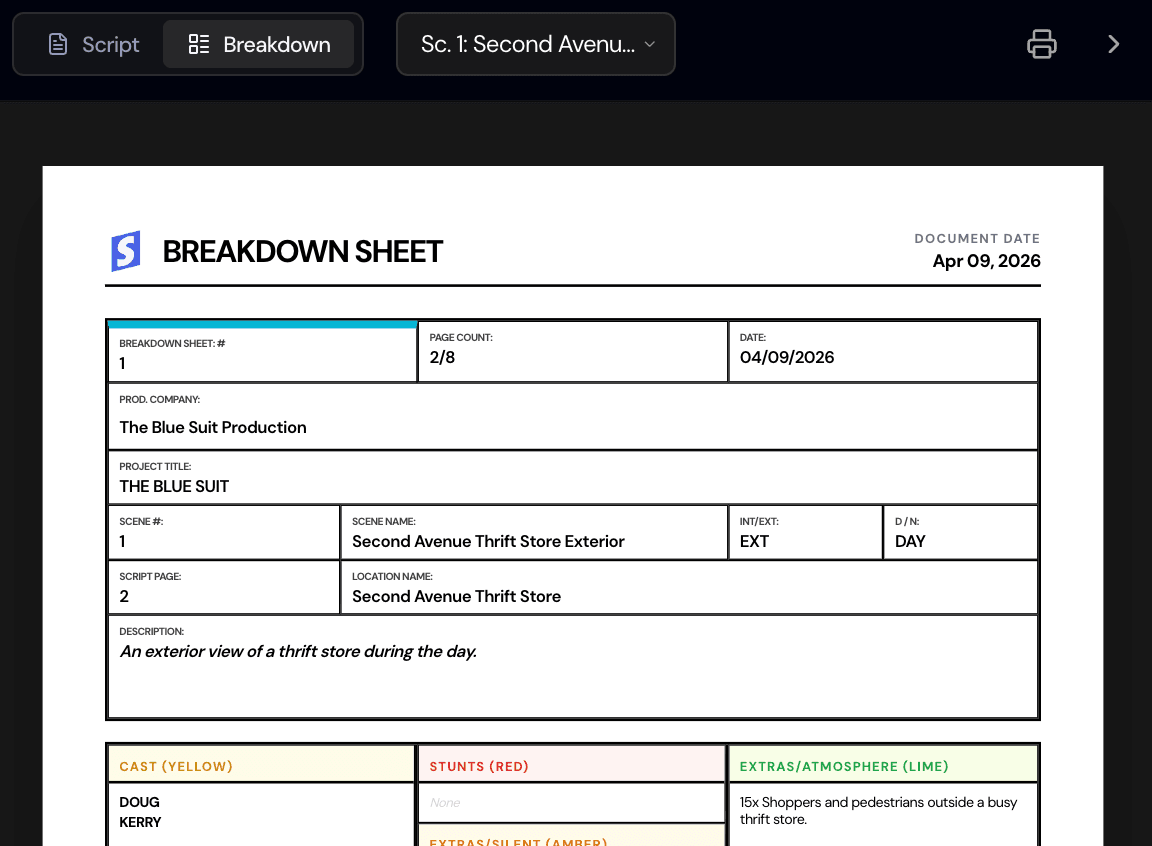
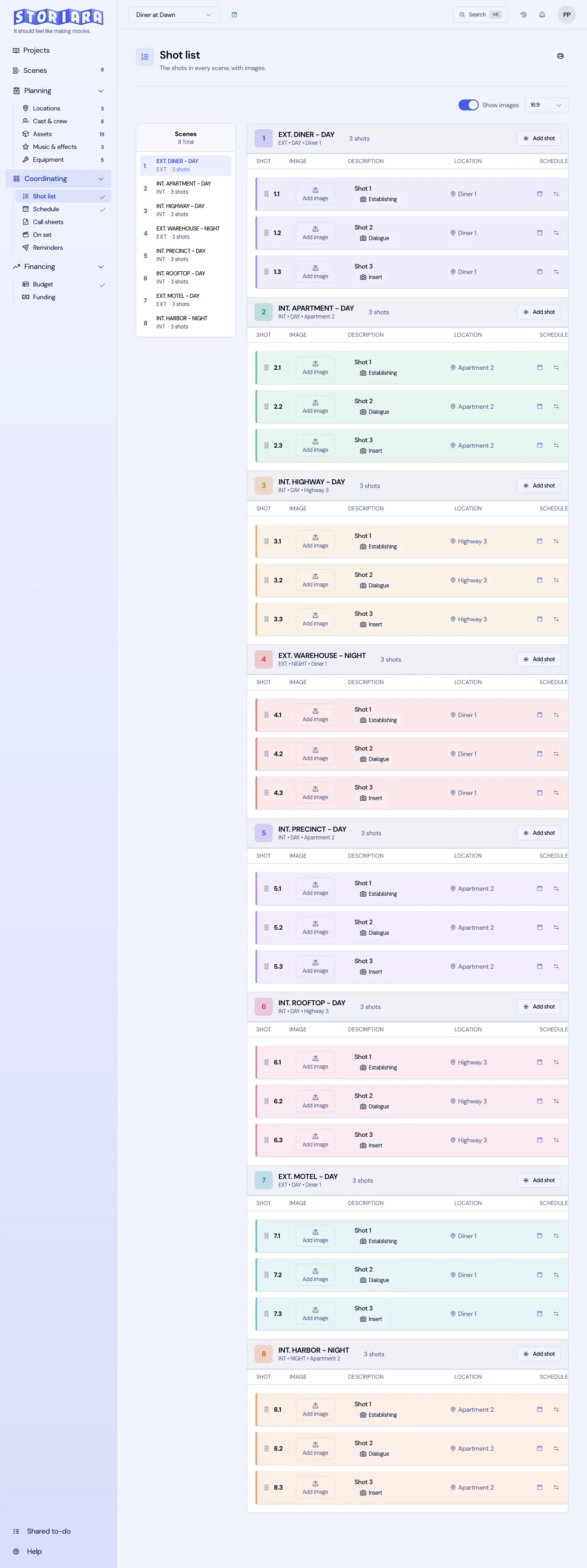
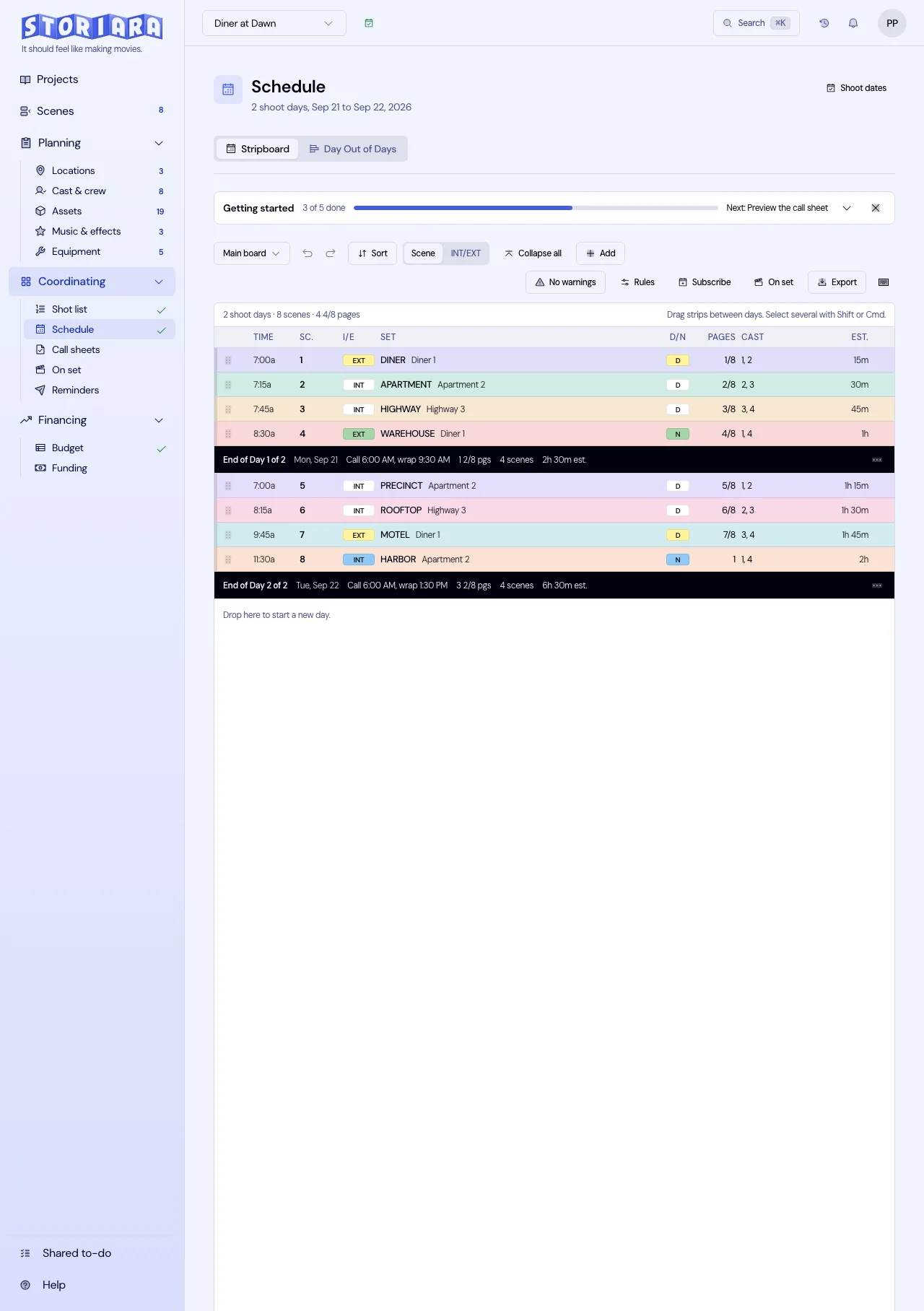
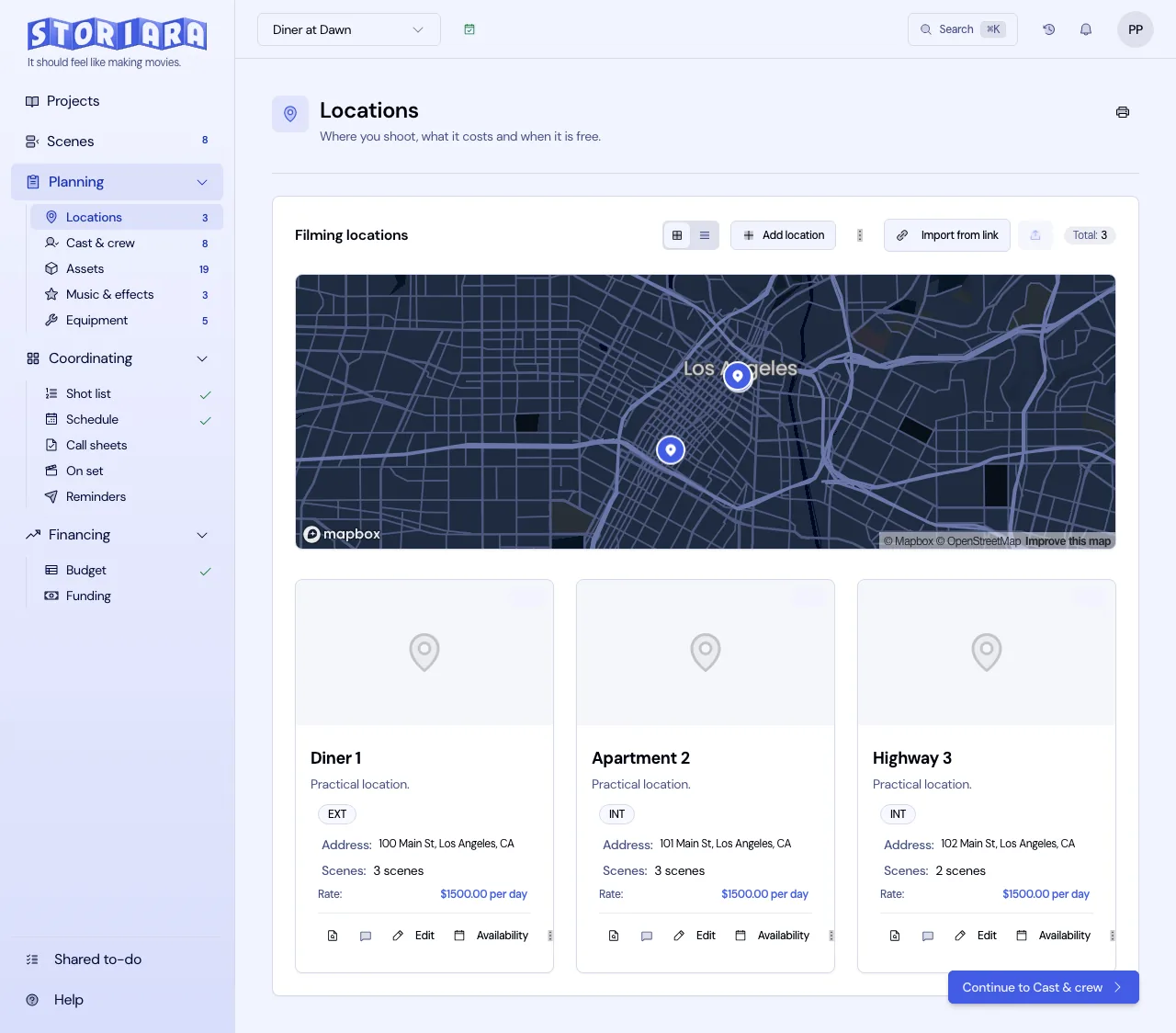
In Storiara
Shotlist in Storiara is organized by scene. Each shot has a name, description, and optional image, shots move between scenes, and the list prints with or without images. Shots can be placed on the stripboard with durations in minutes, next to whole scenes, which lets the 1st AD build days from your plan. Locations holds photos, addresses, and a map for each option, and comments work on items across the modules. Storiara doesn't generate shot lists or storyboards.