
The line producer built the budget and the 1st AD built the board. The unit production manager is the person who notices when the two stop agreeing, usually because a quote, a deal memo, or an invoice crosses their desk that doesn't match either one. Most of a UPM's prep is reading the schedule for cost and catching commitments before they're signed.
Reading the board for money
A UPM reads a stripboard differently from an AD. The AD sees pages and cast. The UPM sees what each day pulls in: background count, picture cars, a stunt coordinator's day, night work, a second camera, a location fee, a generator. When a new version of the one-line comes out, the useful question for each change is what it adds or removes.
Some changes cost more than they look. Moving a night exterior from a Friday to a Tuesday puts the crew's turnaround into the middle of the week and can push Wednesday's call late, which pushes Wednesday's wrap into overtime or loses pages. Splitting a location across two non-consecutive days doubles the prep and strike, and sometimes the fee. Adding a single scene with a minor can change the hours available for that entire day. None of those show up as a line on the board, so the UPM does the translating.
Renting against the days, a worked example
Take a 20-day shoot where the schedule needs a condor lift on days 4, 5, and 17. The rental house quotes $750 a day or $2,250 a week, with $300 for each delivery and pickup.
| Option | Rental | Delivery | Total |
|---|---|---|---|
| Keep it from day 4 through day 17 (three weeks) | 3 x $2,250 = $6,750 | $300 | $7,050 |
| Two rentals: days 4 and 5, then day 17 | 2 x $750 + $750 = $2,250 | 2 x $300 = $600 | $2,850 |
Two rentals save $4,200. There's a third option worth asking about: whether the day 17 scene can move next to days 4 and 5. If it's at the same location, the AD might take it, and the rental drops to three consecutive days and one delivery. If it's across town, the added company move probably costs more than the second delivery. The UPM doesn't decide that alone. They bring the numbers to the AD and let the schedule answer.
The same check applies to every piece of specialty gear and every picture vehicle. Laying the equipment checklist next to the one-line takes an hour in week three of prep and pays for itself on the first order.
Deals, start paperwork, and the first payroll
Crew deals get made fast in prep, often by phone. A gaffer agrees to a weekly rate plus a kit rental, a production designer negotiates two extra prep weeks, a location manager asks for a car allowance. Every one of those needs to reach a crew deal memo and the accountant before the person's first day. Rentals like the gaffer's kit have their own tax and invoicing questions, covered in kit rentals and box rentals.
The practical rule most offices use is that nobody works a day without completed start paperwork. Day players and last-minute replacements are where it breaks, so the coordinator should have blank packets ready for every shoot day.
The prep calendar and the production meeting
Prep has a dozen dated deadlines that nobody owns by default: insurance certificates for each location, the tech scout van and route, camera tests, the production meeting, a fire marshal walkthrough for the stage, the safety meeting materials for stunt days. A simple production calendar with an owner next to each item keeps them from sliding.
The production meeting is the UPM's best chance to catch cost before it's spent. Walk the schedule day by day, and for each day ask each department what it needs that isn't on the budget. The answers turn into the first entries on the hot cost report once shooting starts.
In Storiara
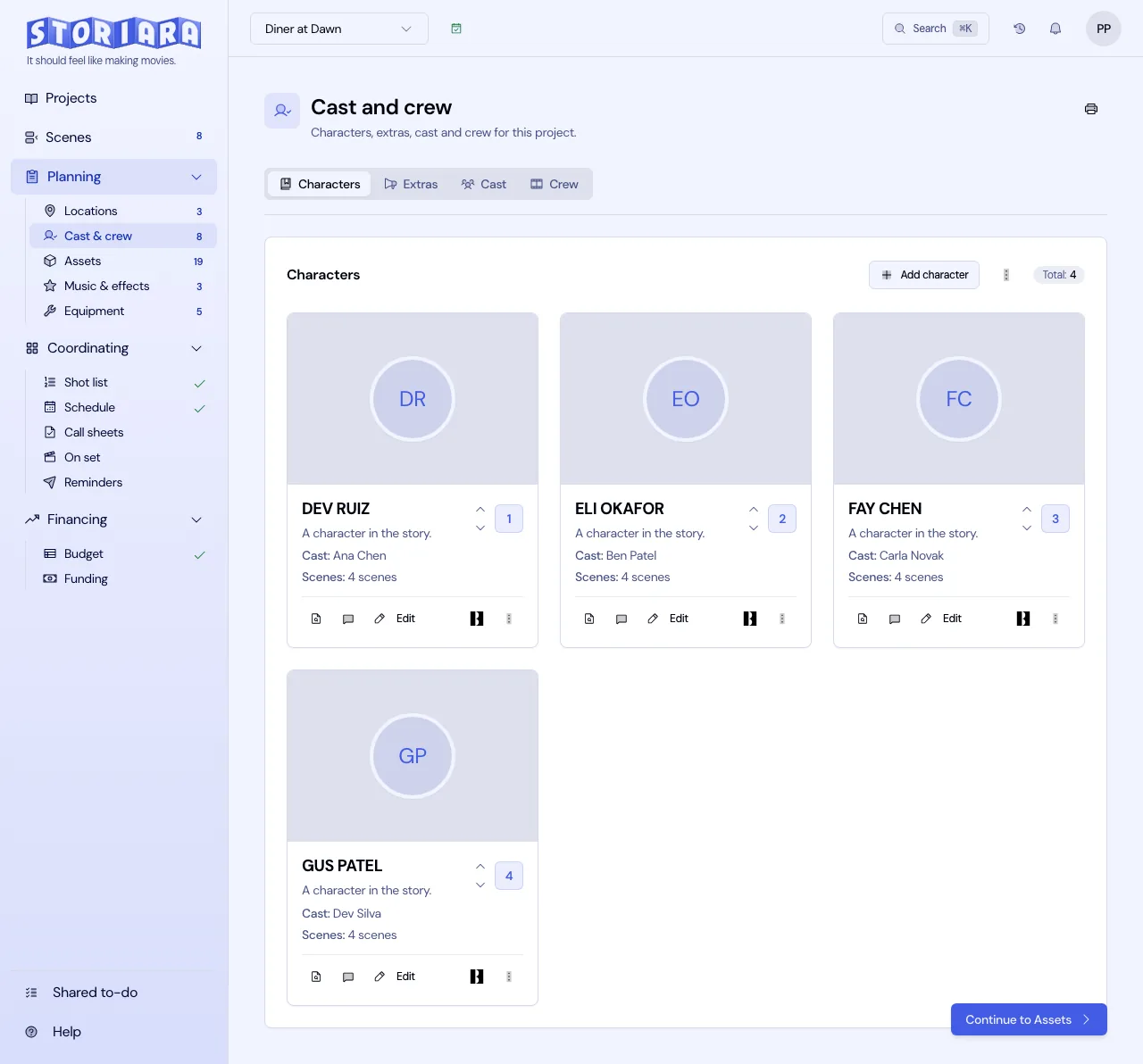
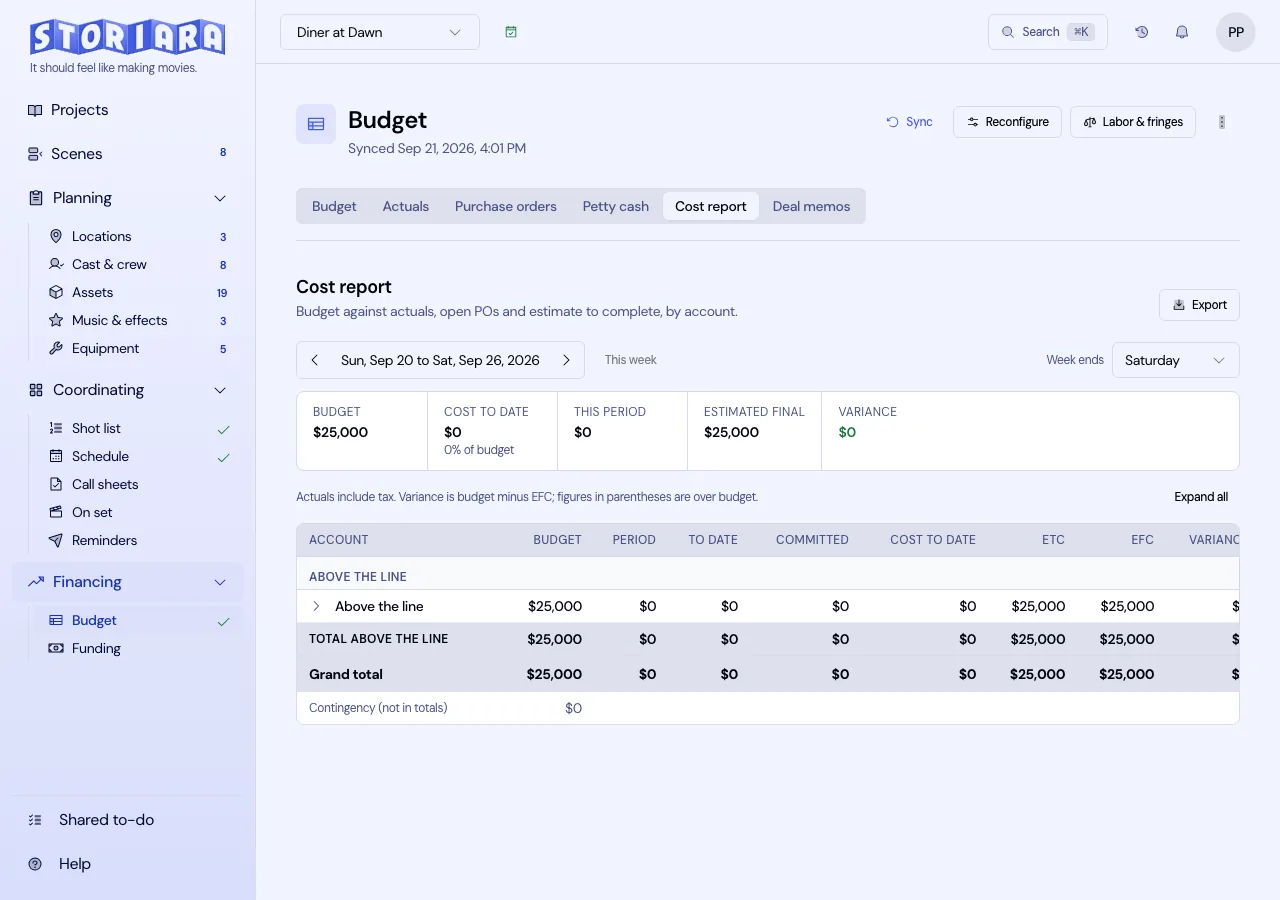
Storiara keeps crew rates, equipment costs and availability, and location data in the same project as the stripboard. Cast & Crew fills rates from the union and contract you select, Equipment has cost and rate fields, and the budget's Sync from story data reads those entries while keeping lines you've overridden. Durations that would push a day past the maximum length you set are labeled Overtime and blocked on the board. Shared To-Do handles assigned prep tasks with due dates, and Reminders schedules messages and call sheet emails. The Accounting page handles purchase orders and actuals; Storiara doesn't run payroll, so that stays with the payroll company. Quick checks on long days are in the overtime calculator and meal penalty calculator.